
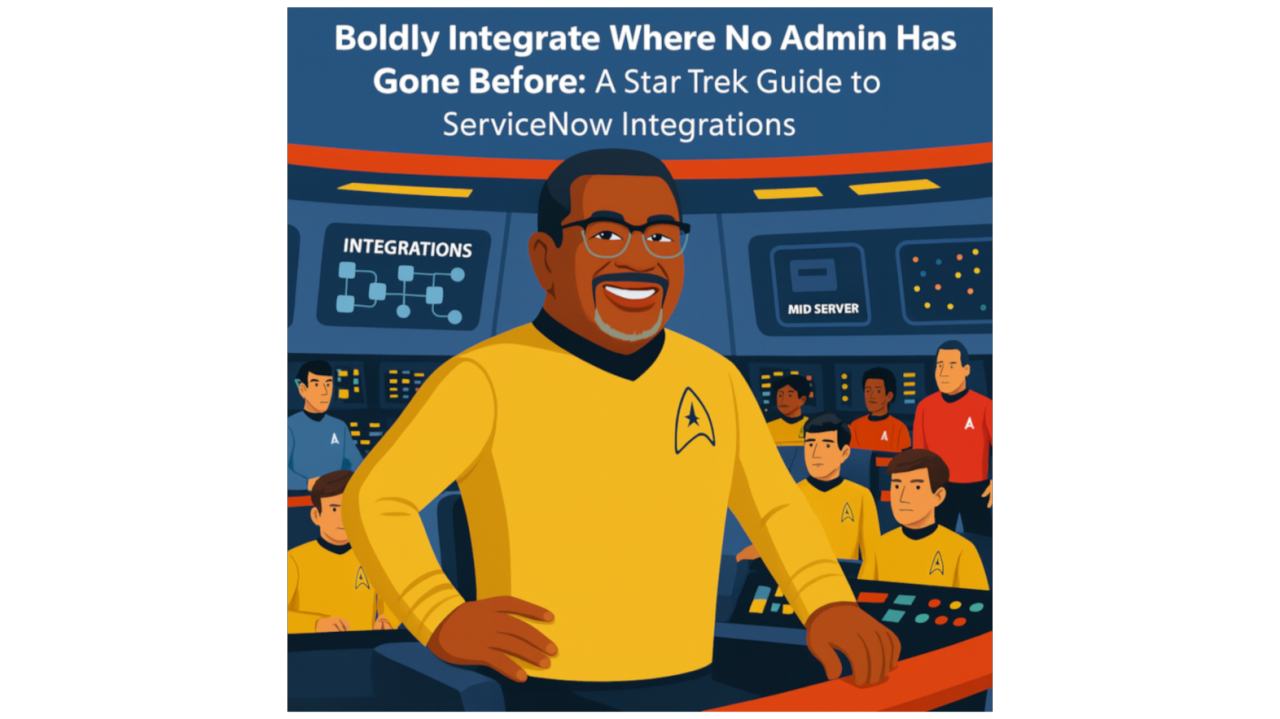
If you’ve ever sat in a ServiceNow integration workshop and felt like you were on the bridge of the USS Enterprise staring at a blinking console—unsure which button will fire the photon torpedoes and which one just opens the garage door—you’re not alone.
After nine years and nearly 80 ServiceNow integrations across 30 client consulting and implementation (C&I) projects, I can confirm: integrations can feel like deep space exploration. But like any seasoned captain will tell you, the mission is clear:
Keep the ship running, keep the crew safe, and never get caught in a wormhole of unstructured data.
Captain’s Log: Integration Stardate 2025.1
Let’s start with the basics: ServiceNow integrations are the warp drives of your IT enterprise. They connect your instance with the vast galaxy of other applications—cloud or on-prem—making your processes faster, smarter, and often saving your crew (and your project budget) from manual black holes.
But in our adventures, we encounter two main types of missions:
Mission 1: Integrations with Spokes – The Easy Federation Treaty
Think of IntegrationHub spokes as the Starfleet’s universal translators.
- Prebuilt connectors for apps like Teams, Zoom, Outlook, or Microsoft 365
- REST and SOAP APIs under the hood (though you don’t need to speak fluent REST to use them)
- Cloud-to-cloud, no middleman required—like hailing another starship over subspace
If your data structures are standard and your apps play nicely in the cloud, it’s as simple as:
Click, connect, engage.
Suddenly, incidents can launch Teams calls, approvals can travel at warp speed, and your service desk feels like it’s on the bridge instead of lost on Deck 14.
Mission 2: Mid Servers – Your Chief Engineer in the Jefferies Tube
But then there’s the other kind of mission:
You need to integrate with PeopleSoft, SAP, Oracle Financials, or any system that’s buried behind your company protected or private network like a Klingon cloaking device.
This is where your MID Server beams in.
- Acts as a secure middleman behind your firewall
- Authenticates twice (to ServiceNow and your internal app)
- Keeps sensitive data under your control
- Transforms unstructured or custom-structured data into something ServiceNow can understand
In Star Trek terms:
Your MID Server is Scotty, crawling through the Jefferies tubes, making sure that alien data gets safely onto the bridge without blowing a plasma in a conduit.
Without it, ServiceNow couldn’t safely talk to those shielded, on-premise apps. And yes, for each environment (Dev, Test, Prod), Scotty needs his own tube—er, MID Server.
Entering the Future: Workflow Data Fabric
Now ServiceNow is introducing Workflow Data Fabric, and it’s like upgrading from a warp 5 engine to warp 9.
Instead of juggling 15 spokes and writing endless transform maps, this new tech can:
- Connect to almost anything (both on premises and in the cloud apps and systems)
- Structure and map data in real time providing a “single pane of glass”
- Refresh with “zero copy” data access (meaning data is queried and consumed directly from the source, avoiding data duplication) on your schedule (hourly, daily, or in near-real-time)
It’s the dream of every captain: one tool that can handle all integrations without giving your crew a nervous breakdown in the process.
Lessons from the Captain’s Chair
After many integrations a number of client star systems, here are my prime directives for ServiceNow integrations:
- Know Your Mission – Decide if it’s a simple spoke integration or a secure MID Server journey.
- Secure the Ship – MID Servers add multiple layers of authentication and control.
- Respect the Data – Transform and structure it, or risk getting pulled into a data anomaly.
- Trust the Crew – Integrations are a team sport; you need Devs, Architects, and Admins working in sync.
- Keep Exploring – Features like Workflow Data Fabric are your next star chart—learn them early.
Engage Your Integrations
ServiceNow integrations don’t have to feel like a Kobayashi Maru scenario. With the right approach, a secure MID Server, and the occasional spoke, you can boldly integrate where no admin has gone before—and keep your IT enterprise running at warp speed.
Join the conversation
Share a question, experience, or perspective on this article.